


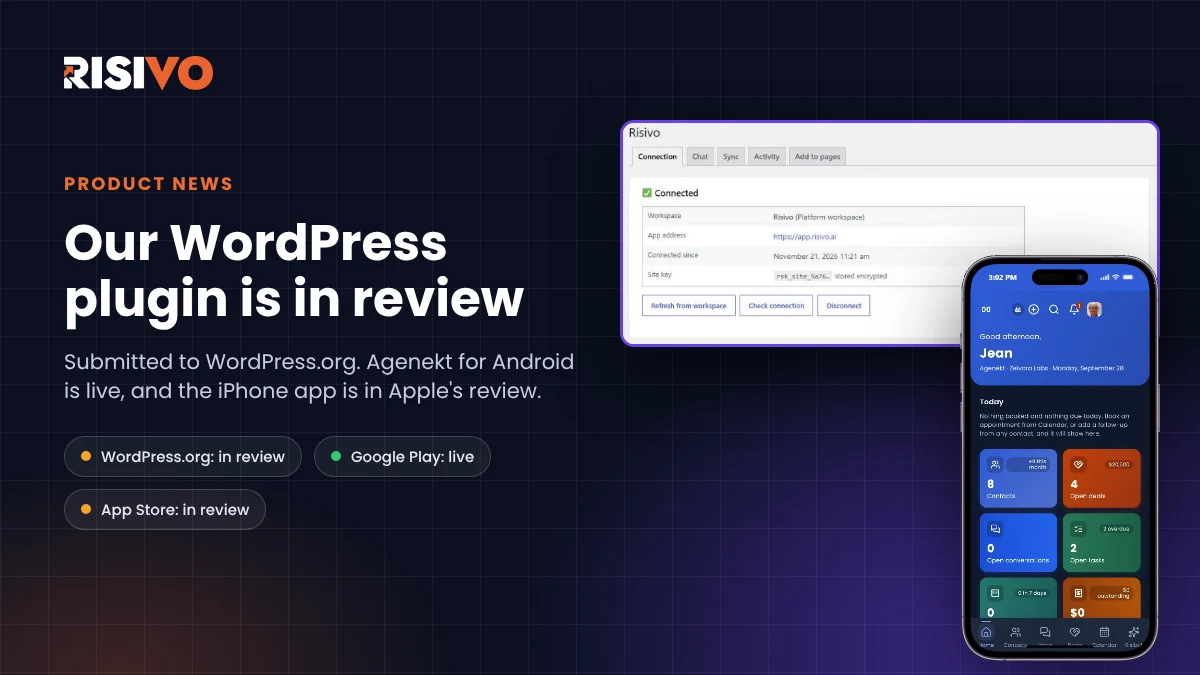
Today we submitted Agenekt for WordPress to the official WordPress.org Plugin Directory, where it will be listed as Agenekt. It passed the directory’s automated scan on the first upload and is now waiting for the WordPress Plugins Team to review it by hand. Once they approve it, you will be able to install it from Plugins → Add New in any WordPress site, like any other plugin.
It’s one of three Agenekt releases moving at once: the Android app has been live on Google Play since October, and the iPhone app is now going through Apple’s App Store review. Here is what the plugin does, and where the apps fit in.
Your website, connected to your workspace in one click
Most website plugins start with an API key to copy and paste. This one starts with a Connect button. You press it, confirm the workspace (the platform account, an agency or a client account), and the site is connected. The plugin creates its own key, stores it encrypted and never shows it on a page.
From then on, everything you build in your workspace can go on your pages. In the block editor and in Elementor you pick from a list, so there are no links or IDs to copy.
- Chat widget: a floating chat button on every page (with pages you can exclude), or the chat inside a page.
- Forms: in the page, as a popup, a slide-in or a floating button.
- Booking calendars, surveys, quizzes, funnels, stores and webinars: embedded and resized to fit their content.
- Reviews: your reviews widget.
- Support request form: each request arrives as a ticket in your workspace.
- QR codes: for the current page or any link, drawn on the page itself.
Every lead, user and order in one place
The plugin also sends your website’s activity to your workspace. You switch each source on separately:
- New WordPress users, plus everyone who already has an account, with one button.
- WooCommerce customers, and orders when they are paid, refunded or cancelled, with items and totals.
- Form plugins: submissions from Contact Form 7, Elementor Pro Forms, WPForms, Gravity Forms and Ninja Forms.
People are matched by email, so nobody is duplicated. Each new user, order or submission can start a workflow with the Website Activity trigger, such as a welcome sequence for a new account or a follow-up after a paid order. Sending a contact never subscribes them to marketing messages.
Everything is sent in the background. A slow or unreachable workspace never slows a visitor down or loses a lead: failed sends are retried automatically and listed on the plugin’s Activity tab with a Retry button.
Built for agencies, and built to be safe
- White label: agencies get their own name in WordPress and their own app address, so clients see the agency’s brand.
- Only your links: the plugin embeds pages from your app address or from domains you allow, and nothing else.
- No sensitive fields: password and payment fields from form plugins are never sent.
- Light on your site: scripts load only on the pages that use them.
Agenekt on your phone: Android live, iPhone in review
The plugin brings your workspace to your website. The Agenekt app on Google Play brings it to your phone: your customers, messages, deals, calls and AI assistant, wherever you work. The iPhone version has been submitted to Apple and is going through the App Store review now.
What happens next
The WordPress.org review is done by a volunteer team and usually takes a week or more, depending on the queue. Apple’s review runs on its own timeline. We will announce each one here and on our social channels the day it goes live. WordPress is our first website connector; Wix and Shopify are next.
Frequently asked questions
When can I install the plugin?
As soon as the WordPress Plugins Team approves it. It will then be listed as Agenekt in the WordPress.org directory, and you can install it from Plugins → Add New in your site. We will announce the approval here.
Do I need an API key or a paid add-on?
No. The Connect button creates the connection for you, and connecting a website works on every plan.
Which form plugins does it work with?
Contact Form 7, Elementor Pro Forms, WPForms, Gravity Forms and Ninja Forms. Password and payment fields are never sent.
Does it work with Elementor and the block editor?
Yes. Both get their own widgets and blocks, and you pick forms, calendars, chat widgets and pages from a list.
Where do I get the Agenekt mobile app?
The Android app is on Google Play now. The iPhone app is in Apple’s App Store review and will be available as soon as it is approved.