

Risivo AI OS is live. Get 20% off with code LAUNCH20 until January 15, 2027. See plans →

Media

Status: Beta

One home for your media

Store and organize your media centrally, and use it anywhere in Risivo without uploading twice.
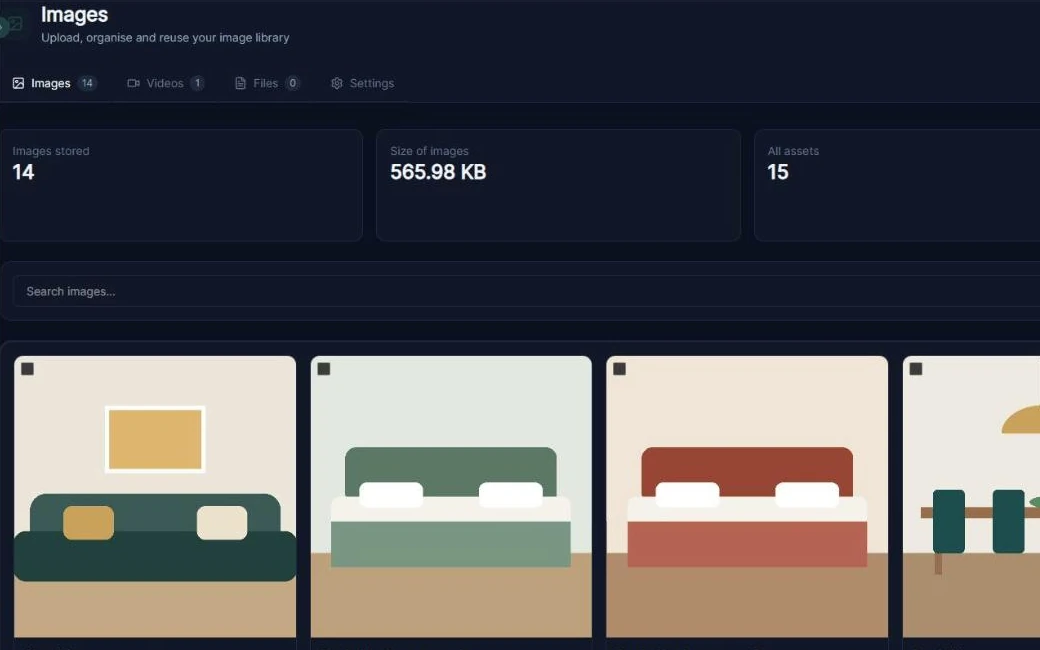
Lumen & Oak image library in Risivo Media Vault

Just ask Risibot

Describe what you need in plain words. Risibot sets it up for you, and nothing runs until you approve it.

You type

“Find our logo files and put them in a "Brand" folder”

Risibot builds it, you approve

Risibot finds the files and organizes them into the folder.

Why teams use Risivo Media Vault

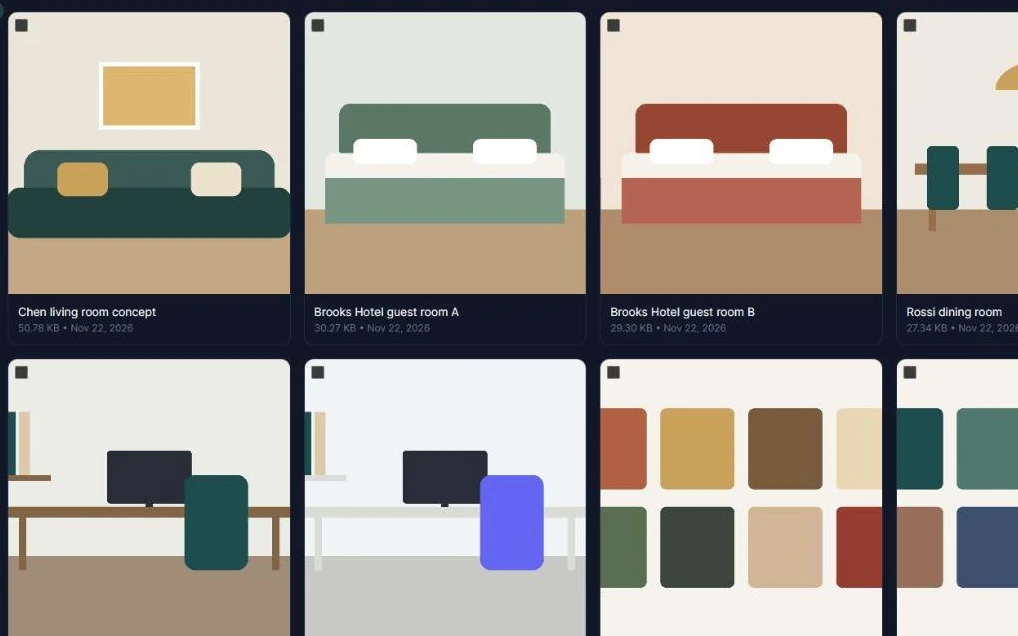
Named project images with size and upload date

One library

Keep images, videos and files in one place.
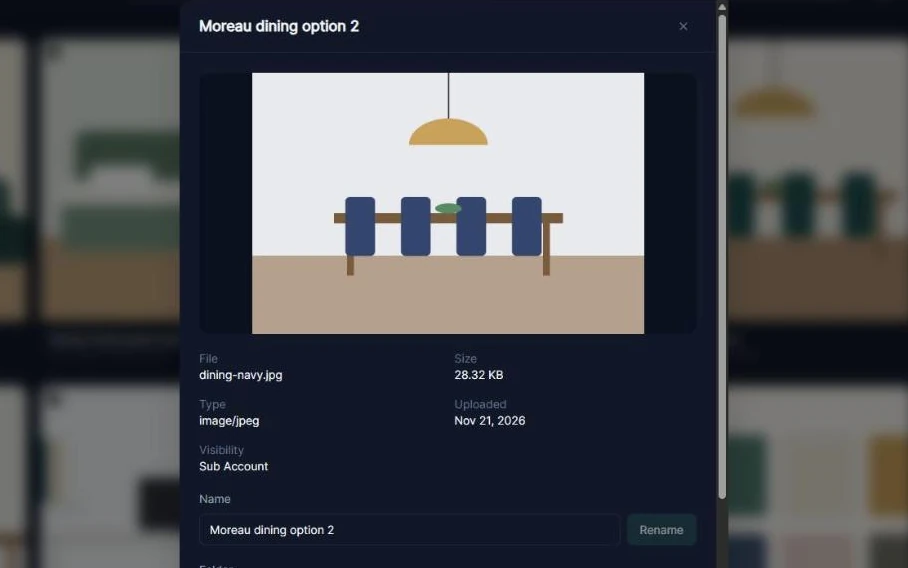
Image detail with preview and file info

Use them everywhere

Pick from your vault in campaigns, pages and documents.
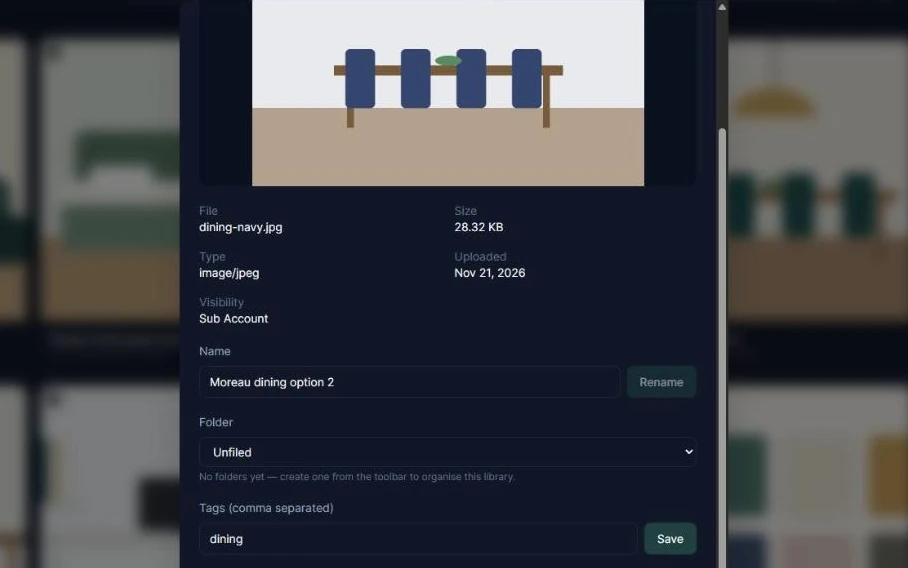
Rename, folder and tags for an image

Stay organized

Use folders so the team finds the right file.

One less tool to pay for

Replaces Dropbox, Google Drive (for marketing assets).

What’s included

  • Images
  • Videos
  • Files
  • Folders

Connected to the rest of Risivo AI OS

Media Vault works with your contacts, conversations, workflows and reports, so your team sees the full picture in one place and Risibot can act on it.

Frequently asked questions

How does Risibot help with Media Vault?

Tell Risibot what you need in plain words, for example: “Find our logo files and put them in a “Brand” folder”. Actions that contact customers or spend money wait for your approval.

Can I try Media Vault before I buy?

Yes. Every plan starts with a 14-day free trial. A card is needed to start, and you won’t be charged if you cancel before the trial ends.

Try Media Vault with Risibot today

14-day free trial. Cancel before it ends and pay nothing. Launch offer ends January 15, 2027.